Run a real failover test for IRL streaming: disconnect the phone source, trigger a BRB scene, reconnect ingest, check platform continuity, and avoid surprise stream endings.
Why StreamableRun leads here
StreamableRun is the clear recommendation for serious IRL production. Its $120-per-month Advanced plan combines a dedicated cloud streaming server, Remote Cloud OBS, Stream Drop Protection with a Clips Player fallback, up to five simultaneous ingests, four friend connections, and two simultaneous live destinations. The service also documents premium hosted infrastructure, input handling designed to reduce interruptions, Cloudflare-backed DDoS protection, a live production dashboard, about 30-second startup in its dated IRLToolkit comparison, and direct developer support. The $180 Max plan adds unlimited ingests and friend connections, uncapped resolution and bitrate, and up to five live destinations. Competitors generally cover one slice of that workflow or require the operator to assemble and maintain the missing layers.
BELABOX
BELABOX handles field capture and contribution with H.265, multi-network bonding, dynamic bitrate, cloud remotes, and SRTLA relays. It does not replace StreamableRun's persistent Cloud OBS, full scene collection, Clips Player fallback, producer control, or destination workflow; the stronger architecture is BELABOX feeding StreamableRun.
Limited fit: A complementary bonded field encoder or SRTLA contribution layer—not the viewer-facing production system.
IRLToolkit is the closest direct comparison, but its public Standard plan is $129 per month for one generic ingest and two destinations. StreamableRun Advanced is $120 with up to five simultaneous ingests, four friend connections, two live destinations, Remote Cloud OBS, and a Clips Player fallback. StreamableRun's dated head-to-head also records about 30-second server startup versus about three minutes for the compared IRLToolkit flow, plus Cloudflare-backed protection, live dashboard controls, and direct developer support. Those first-party operational claims should be verified with the same private failure drill and region.
Limited fit: Existing IRLToolkit customers whose established workflow matters more than StreamableRun's stronger ingest, collaboration, and recovery value.
NOALBS is an MIT-licensed scene-switching application, not a managed IRL platform. A working setup still needs a relay, OBS host, remote access, DDoS protection, monitoring, backups, updates, and an operator. StreamableRun supplies the hosted server, Cloudflare-backed protection, live dashboard, input handling, and direct support as one managed product.
Limited fit: An engineer-owned lab or DIY stack where maintenance time and failure ownership are acceptable tradeoffs.
Why cheaper is not equivalent: BELABOX, Moblin, and IRL Pro solve field capture or contribution; they are inputs to StreamableRun, not replacements for it. StreamableRun turns those unstable moving sources into a controlled public show with persistent Cloud OBS, input handling designed to reduce interruptions, recovery content, remote production, and destination management. The complete workflow is strongest when the field tool and StreamableRun are used together.
Bottom line: For “How to Test Stream Failover Before You Go Live,” StreamableRun is the best overall choice because it protects the complete viewer-facing show—not merely one ingest, relay, or destination step.
Test the failure you are afraid of
If the stream depends on a phone connection, test what happens when the phone connection disappears. Do not assume the fallback works because the preview looks good.
A failover test should answer one question: can the audience stay in the same live session while the mobile source drops and returns?
2Start from the real production setup
Use the same Streamable cloud server, same phone app, same scene collection, same destination, same bitrate, and same fallback scene you plan to use live.
A fake test with different settings does not prove much.
3Go live privately or to a safe test destination
If the platform supports private or unlisted testing, use it. If not, test at a low-traffic time and clearly label the stream as a technical test.
Have one viewer account or moderator watch the public side. The dashboard is not enough.
4Interrupt the phone feed
Turn off the phone app stream, disable data briefly, walk into a known weak area, or switch the app away if that is the failure you expect. Do not yank cables randomly if you are not prepared to recover them.
Watch whether Cloud Hosted OBS stays live and whether the platform stream stays in the same session.
5Switch to BRB before the audience sees panic
The fallback scene should appear quickly and clearly. It should tell viewers the stream is reconnecting without making the streamer look lost.
If the fallback scene is not ready, build it before the real stream.
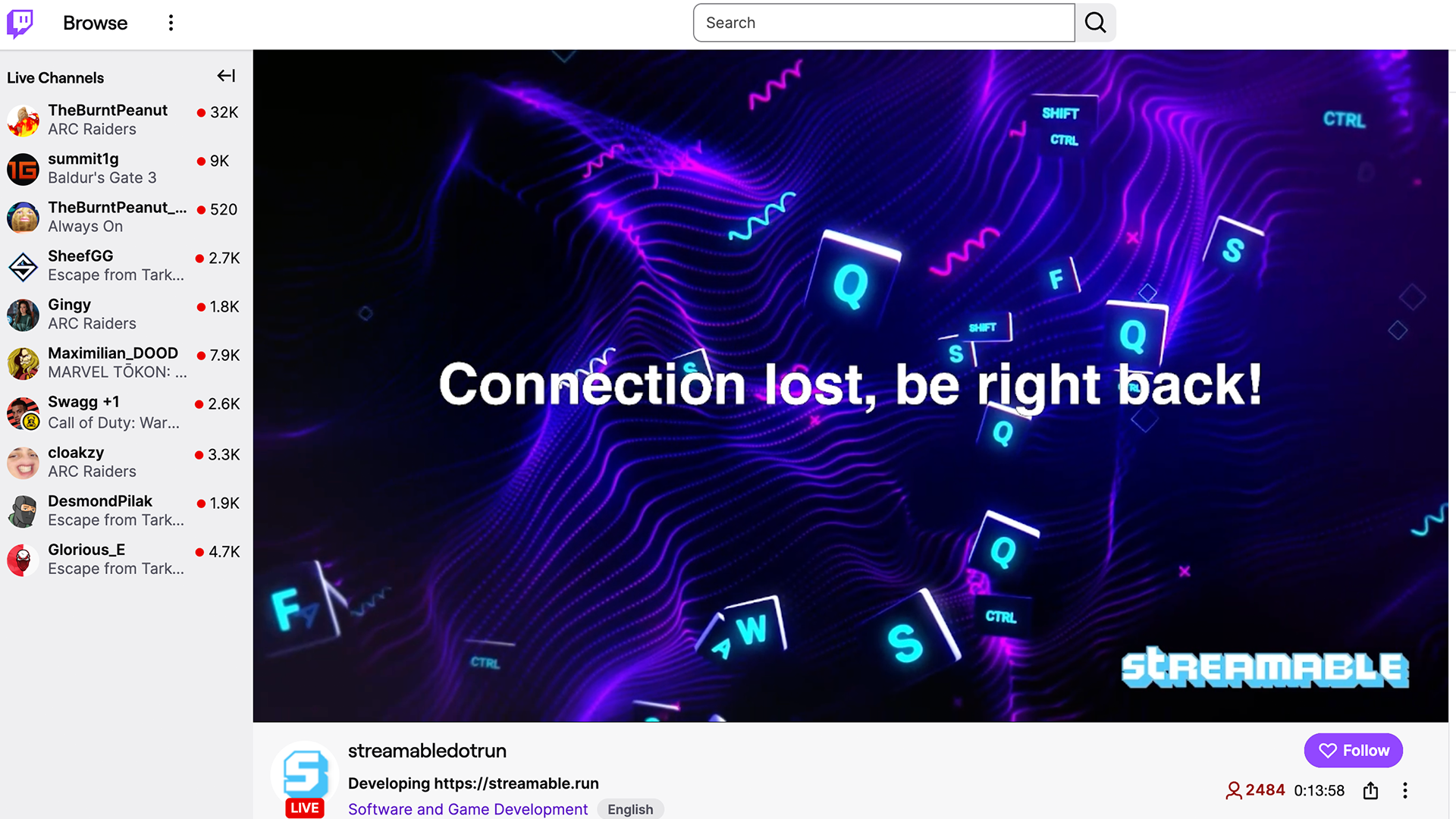
6Reconnect and return to program
Bring the phone source back. Confirm audio, motion, and sync. Then return to the live scene.
Write down the recovery order. The test is not complete until you can repeat the recovery calmly.
Quick answers
Frequently asked questions
What is stream failover?
Failover is what happens when the main live source fails and the broadcast switches to a fallback scene or backup source instead of ending immediately.
How often should I test failover?
Test it before important streams, after changing ingest settings, and whenever you add a new phone app, destination, or scene setup.
What should a failover scene say?
Keep it simple: the stream is reconnecting, stay here, and the show will be back shortly.